Client-facing flows
Clients do not sign in to WorkSmartHub. They meet the application through printouts and e-mails. This page shows what a client receives during a typical job and what you need for it.
Prerequisites#
- The company details are filled in (App Konfiguráció → Cégadatok): they appear on printouts and in e-mails.
- The SMTP server is configured in
EmailSettingsofappsettings.json: client e-mails do not use notification channels (Configuration). - The client has an e-mail address on the ticket.
PublicBaseUrlis set, so links in e-mails point to the right address.
A typical job#
| Step | What happens | What the client gets |
|---|---|---|
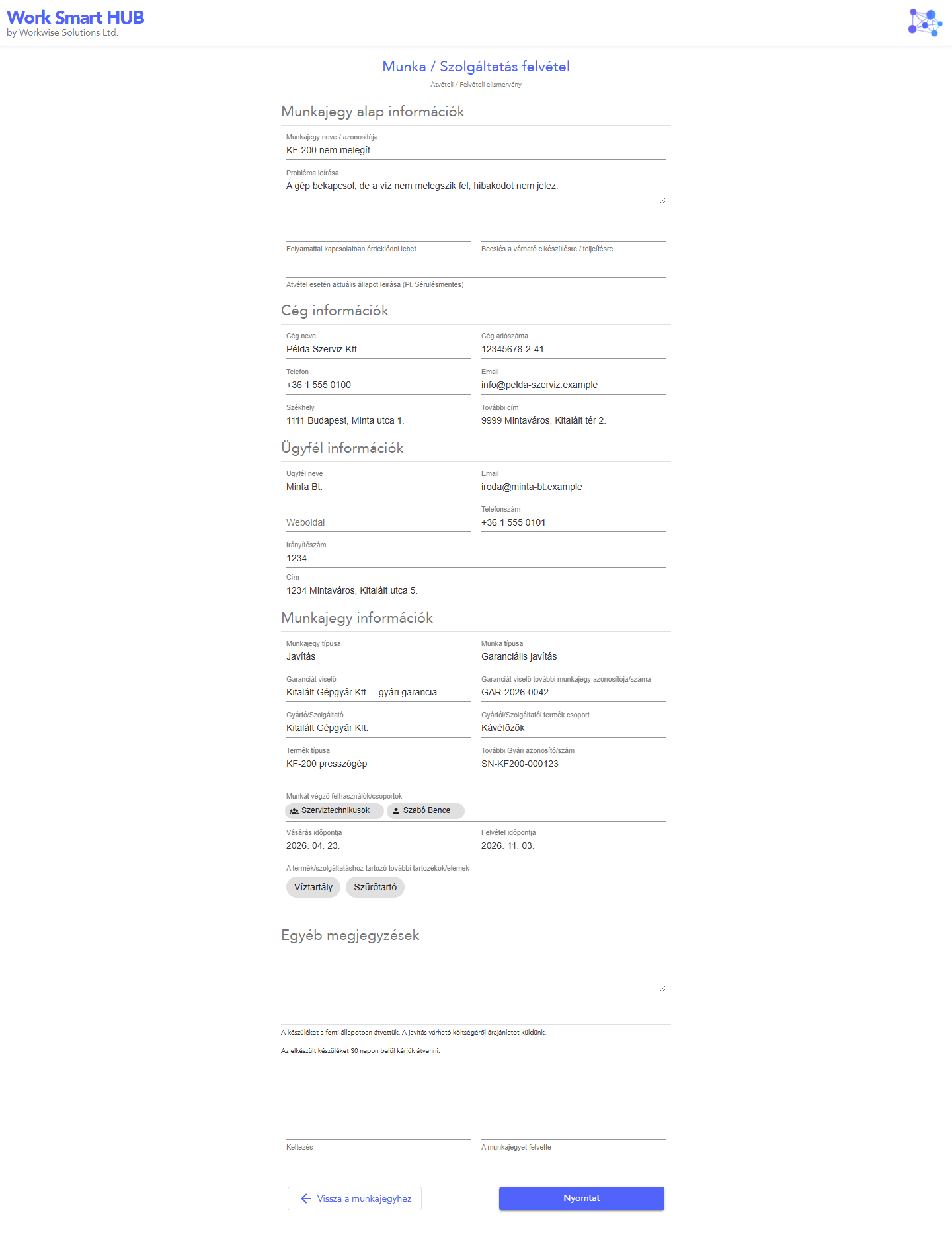
| 1. Intake | A ticket admin creates the ticket. | E-mail Ticket Registration Confirmation with the ticket details. Optionally the printed intake acknowledgement (Felvételi nézet), if the intake sheet is enabled. |
| 2. Quote | Status Ajánlat kiadva, válaszra vár. | The quote is agreed outside the application (phone, e-mail); the status records the answer. |
| 3. Delay | A user clicks Késés értesítés küldése. | E-mail Ticket Delay. Not available in closed statuses. |
| 4. Delivery | The ticket has a delivery and the status is Kiszállítás alatt. | E-mail Delivery / Presence information with the prices, on every save in this status. |
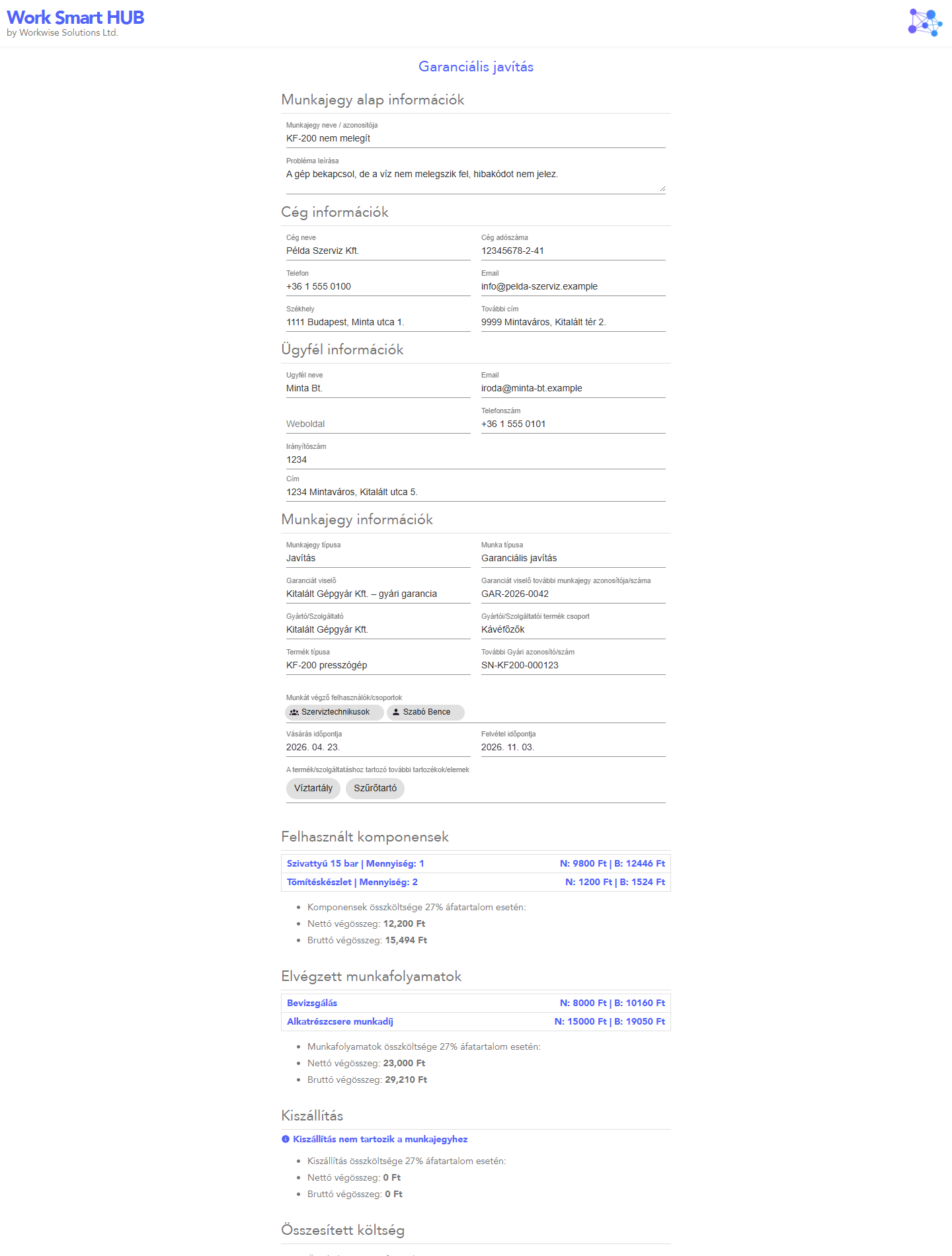
| 5. Handover | The job is done. | The printed Összesítés nézet (summary) with costs, the work type's legal text and signature lines. |
| 6. Invoice | With Számlázz.hu, a ticket admin issues the invoice, or automatic invoicing issues it when the status becomes Számlázandó. | The invoice, delivered by Számlázz.hu or by WorkSmartHub depending on the setting (Invoices). |
E-mail subjects are in English by default; the texts come from the templates, which an operator can edit (Notifications).
Checking what was sent#
Ügyfél Email Események (Super Admin) lists every client e-mail with its ticket and type (Audit and logs). If an e-mail did not arrive, check the Hiba Események and the log files for SMTP errors.
Printouts#
| Summary (Összesítés nézet) | Intake acknowledgement (Felvételi nézet) |
|---|---|
 |
 |